Go

Global Brother>> Label Collection>> FAQ

Label Collection

FAQ

1) Q: What is "Label Collection"?

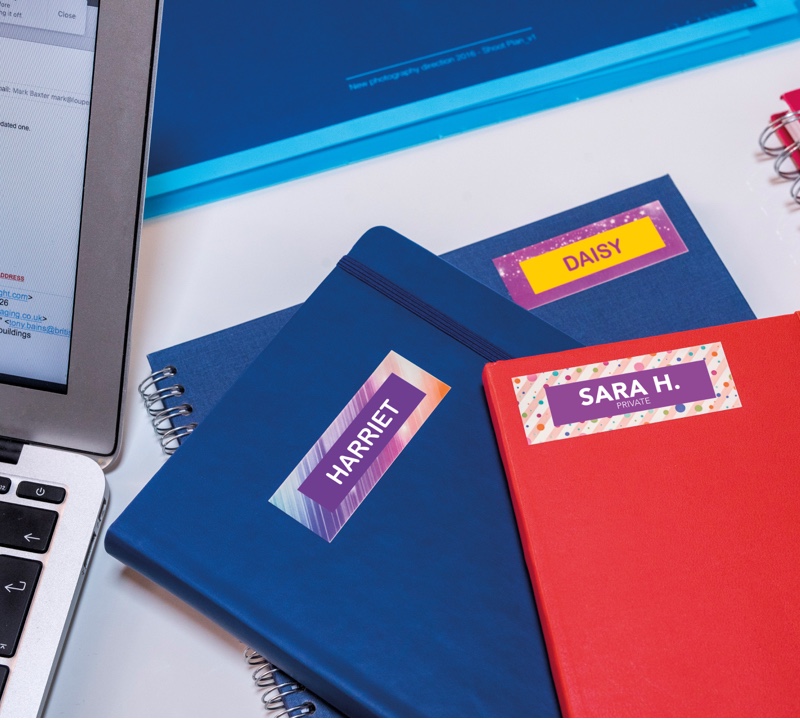
A: The Label Collection feature provides access to pre-designed labels that can be used around the home or office.
Quickly print labels for files, office signage, even shipping labels using one of more than 50 designs.

2) Q: What is P-touch Update Software, and how does it work?

A: P-touch Update software is a utility that enables you to download additional Label Collections from the web.
Upon installation of the P-touch Update Software, an icon will be installed on your desktop (or other location of your choosing) for your convenience.
To check for New Label Collection Designs, simply click the icon to launch the software.

3) Q: How to install and use "P-touch Update Software"?

A: See P-touch Update Software Installation page

4) Q: What OS does "P-touch Update Software" work with?

A: P-touch Update Software works with Windows® XP/ Windows Vista® / Windows® 7/ Windows Server® 2003/ Windows Server® 2008/ Windows Server® 2008R2/ Mac OS 10.5 or higher.
Please note Windows Server® 2003/ Windows Server® 2008/ Windows Server® 2008R2 is only for PT-9800PCN and P-touch Update Software for Mac OS is only available to transfer "Label Collection" into PT-2730.

5) Q: I cannot import "Label Collection" into P-touch Editor.

A: Please check which version of P-touch Editor you have installed.
In order to use this feature, you must install P-touch Editor version 5.0.020 or higher.
If you are using an earlier version of P-touch Editor (such as P-touch Editor v.4.2 or 5.0.01x),
please install the latest version.
You can use "P-touch Update Software" to update P-touch Editor.

To the top on this page